PRACTICAL CREATOR TECH
Practical Tutorials for Blender, Resolve, After Effects and AI.
Schnelle, fokussierte Tutorials für Creator, die echte Produktionsprobleme lösen wollen - von Blender-Setups und Motion Graphics bis zu DaVinci-Resolve-Fixes, After-Effects-Workflows und AI-gestützter Produktion.
QUICK TIP FORMAT
Blender · Resolve · AI
FRISCH VOM KANAL
Die drei neuesten Videos
Aktuelle Geschichten, Tutorials und Creator-Workflows – direkt aus dem HelpDesk-Kanal.

NEU · 22.08.2026
No Man Is an Island – A Story About Direction, Courage and Connection
We are all captains of our own ships. Sometimes we sail through calm waters. Sometimes we lose our bearings, chase illusions or find ourselves caught in a storm. But it is not the size of our ship that matters — it is the direction in which we are heading.

NEU · 22.11.2024
Create AI Voiceovers Fast: How to Use ElevenLabs AI Voices and Voice Cloning
Revolutionize your content with AI voices and voice cloning using ElevenLabs. Chris shows how to set up an account, explore high-quality AI voices and clone your own voice for practical production workflows.
NEU · 10.11.2024
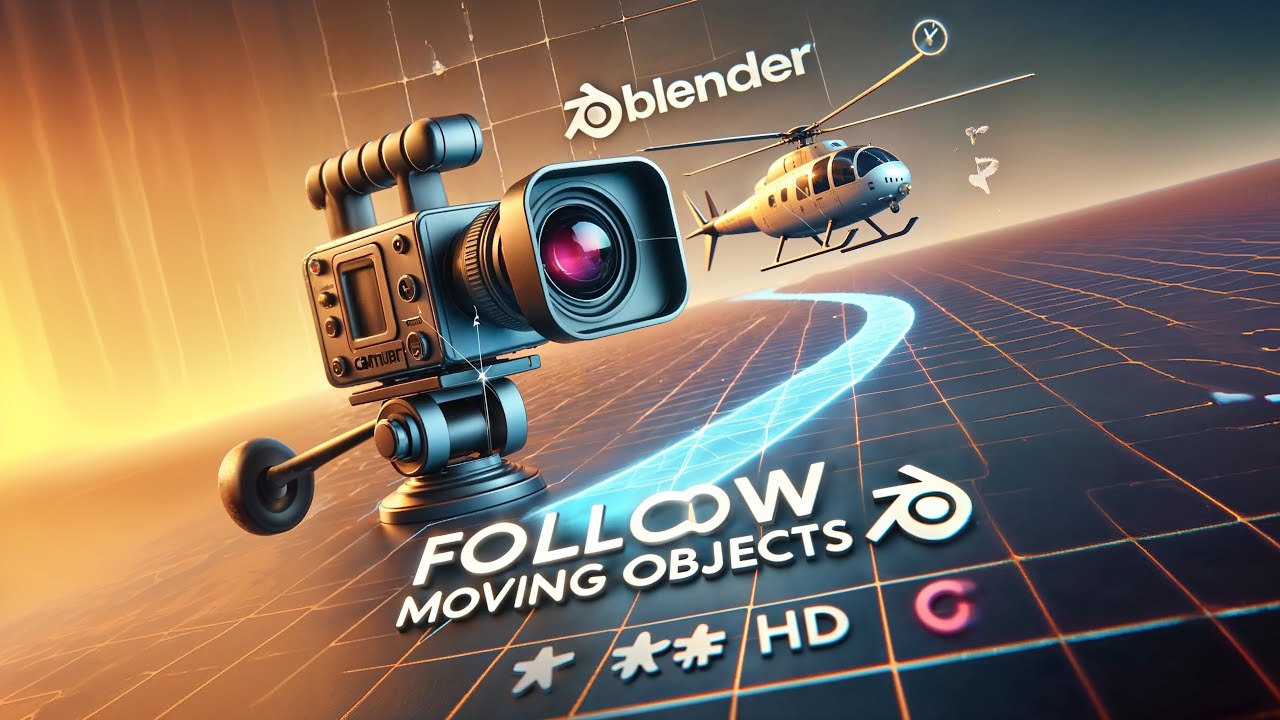
Camera Tracking in Blender: Follow Moving Objects
Learn how to set up a camera in Blender to follow a moving object effortlessly. This quick tutorial uses Follow Path and Track To constraints to create smooth, dynamic shots without a complicated setup.
TUTORIAL AREAS
Was HelpDesk abdeckt
Blender Quick Tips
Schnelle Lösungen für Modeling, Lighting, Geometry Nodes, Camera Rigs und Workflow-Probleme in Blender.
SHORT TUTORIALS
DaVinci Resolve Fixes
Praktische Editing-, Fusion-, Masking-, Transparency-, Color- und Workflow-Tipps für echte Post-Production-Probleme.
After Effects Workflows
Motion-Design-Techniken, Compositing-Tricks und effiziente Setups für saubere, wiederverwendbare Animation-Workflows.
AI for Creators
Nützliche AI-Workflows für Video, Design und 3D-Produktion - fokussiert auf praktische Ergebnisse, nicht auf Hype.
Production Shortcuts
Kleine Workflow-Verbesserungen, die in kreativer Software Zeit sparen und repetitive manuelle Arbeit reduzieren.
Creator Problem Solving
Klare Erklärungen für technische Probleme, Software-Eigenheiten und Workflow-Blocker, die Creators jeden Tag begegnen.
Gebaut für Creator, die schnell Antworten brauchen
HelpDesk ist für Creator gemacht, die nicht erst eine Stunde Theorie wollen. Jedes Video fokussiert ein praktisches Problem, eine klare Lösung und einen Workflow, den du direkt in eigenen Projekten einsetzen kannst.
Show the problem. Explain the fix. Keep it usable.
Short enough to watch. Clear enough to apply.
HelpDesk auf YouTube ansehen
Blender-, DaVinci-Resolve-, After-Effects- und AI-Tutorials für praktische Creator-Workflows.