PRACTICAL CREATOR TECH
HelpDesk turns complex tools into clear, usable workflows.
Fast, focused tutorials for creators who want to solve real production problems - from Blender setups and motion graphics to DaVinci Resolve fixes, After Effects workflows and AI-assisted production.
QUICK TIP FORMAT
Blender · Resolve · AI
FRESH FROM THE CHANNEL
The three latest videos
Recent stories, tutorials, and creator workflows — directly from the HelpDesk channel.

NEW · 08/22/2026
No Man Is an Island – A Story About Direction, Courage and Connection
We are all captains of our own ships. Sometimes we sail through calm waters. Sometimes we lose our bearings, chase illusions or find ourselves caught in a storm. But it is not the size of our ship that matters — it is the direction in…

NEW · 11/22/2024
Create #AIVoiceovers Fast: How to Use #ElevenLabs AI Voices and Voice Cloning
Revolutionize Your Content with AI Voices: Cloning Your Voice Using ElevenLabs Welcome back to HelpDesk! In today's video, Chris takes you on an exciting journey into the world of AI voices and shows you how to clone your own voice…
NEW · 11/10/2024
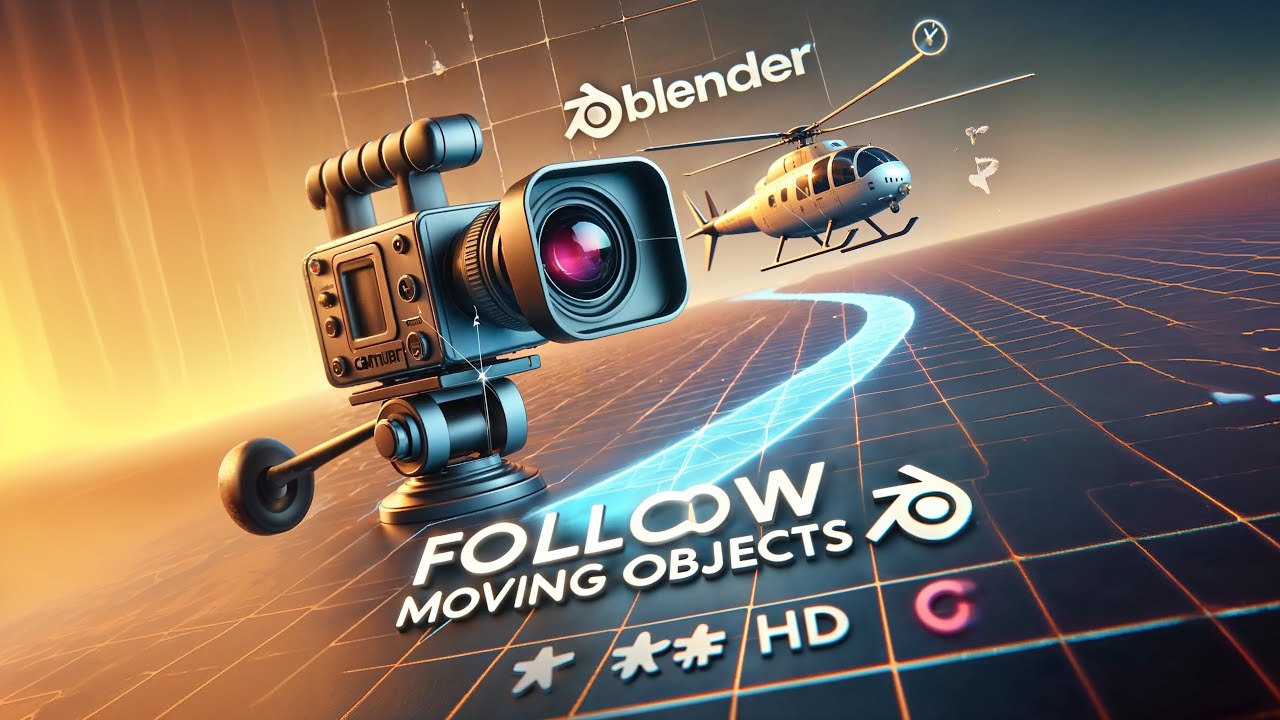
Camera Tracking #Blender #Tutorial: Follow Moving Objects #Animation #3D
Learn how to set up a camera in Blender to follow a moving object effortlessly! In this tutorial, I'll show you a quick and effective method for keeping your camera focused on a moving object, like a flying helicopter, using a Follow…
TUTORIAL AREAS
What HelpDesk Covers
Blender Quick Tips
Fast solutions for modeling, lighting, Geometry Nodes, camera rigs and workflow problems inside Blender.
SHORT TUTORIALS
DaVinci Resolve Fixes
Practical editing, Fusion, masking, transparency, color and workflow tips for real post-production problems.
After Effects Workflows
Motion design techniques, compositing tricks and efficient setups for clean, reusable animation workflows.
AI for Creators
Useful AI workflows for video, design and 3D production - focused on practical results, not hype.
Production Shortcuts
Small workflow improvements that save time across creative software and reduce repetitive manual work.
Creator Problem Solving
Clear explanations for technical issues, software quirks and workflow blockers creators run into every day.
Built for Creators Who Need Answers Fast
HelpDesk is made for creators who do not want hour-long theory first. Each video focuses on a practical problem, a clean solution and a workflow you can use immediately in your own projects.
Show the problem. Explain the fix. Keep it usable.
Short enough to watch. Clear enough to apply.
Watch HelpDesk on YouTube
Blender, DaVinci Resolve, After Effects and AI tutorials for practical creator workflows.