
 LightBoxx for iPad
Your image. Real paper.
Open an image, position it, and place paper on your iPad. LightBoxx keeps the reference still while you trace its lines with a pencil.
App Store release in preparation
€2.99, one-time purchasePlanned German App Store price. Local prices vary. No ads or subscription.
Requires iPad with iPadOS 26 or later. The app and store text are prepared in 50 language and regional versions, including English, German, Arabic, Hindi, Japanese, and Chinese. Visibility through paper depends on paper thickness and display brightness.
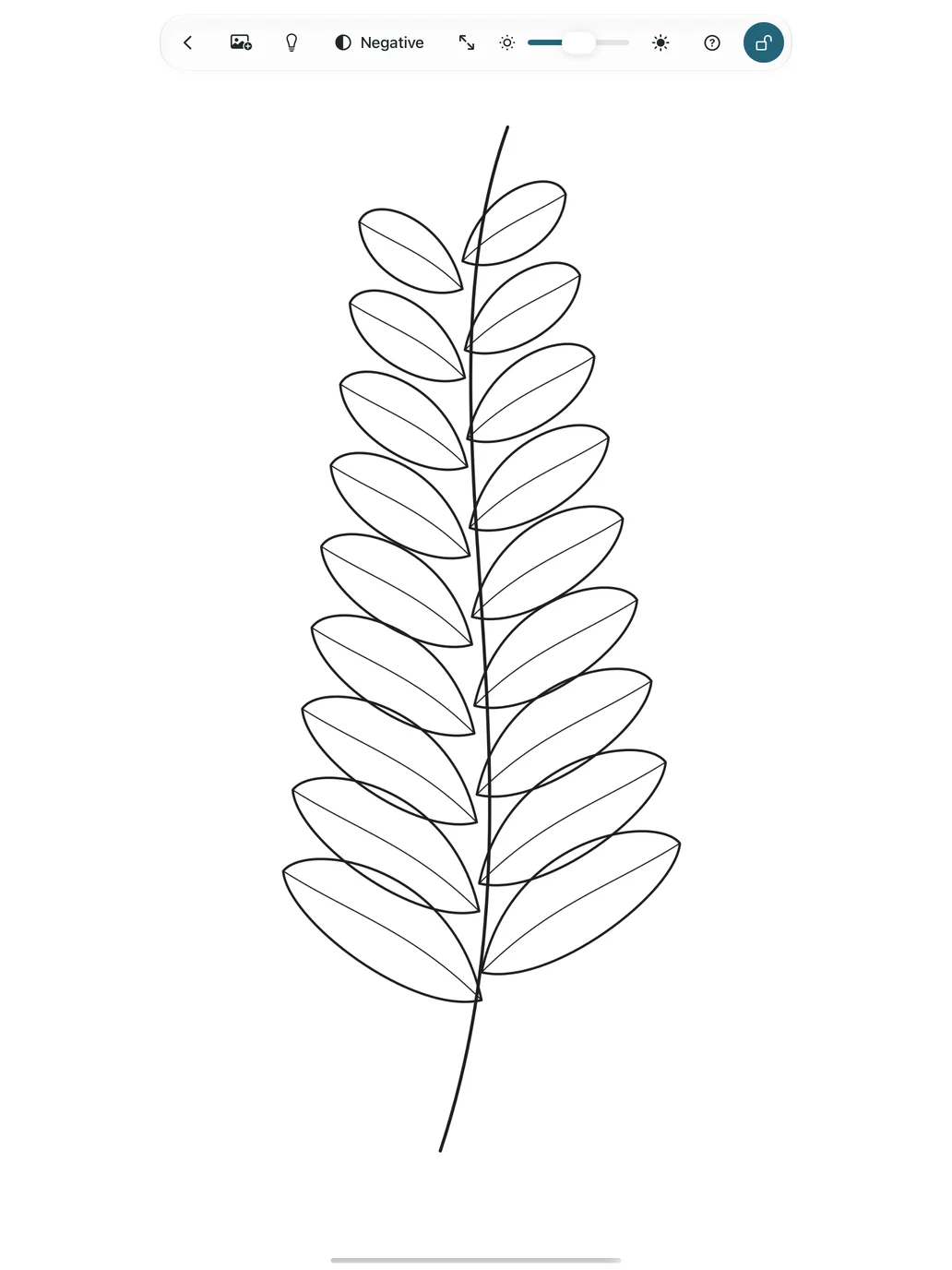
From your photo to your paper.
Open a reference
Choose a photo using the iPadOS photo picker. LightBoxx receives only the image you select.
Get it into position
Move, resize, and rotate the reference with your fingers. The negative view turns it into an inverted black-and-white image.
Lock and trace
Tap the lock and place paper on top. Hold the lock for three seconds to unlock the workspace.
Two ways to trace.
AI-generated illustrations of how to use LightBoxx.
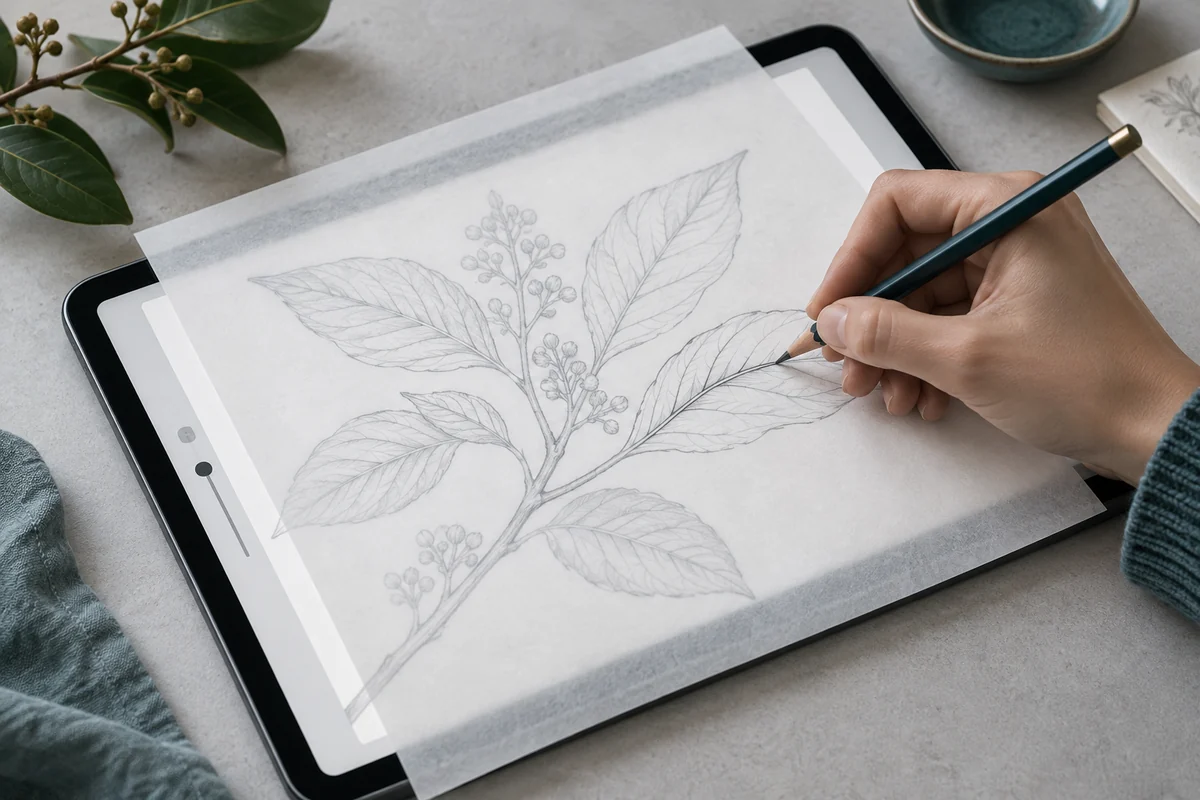
A digital reference
Open an image on your iPad, position it, and trace it onto the paper placed on top.
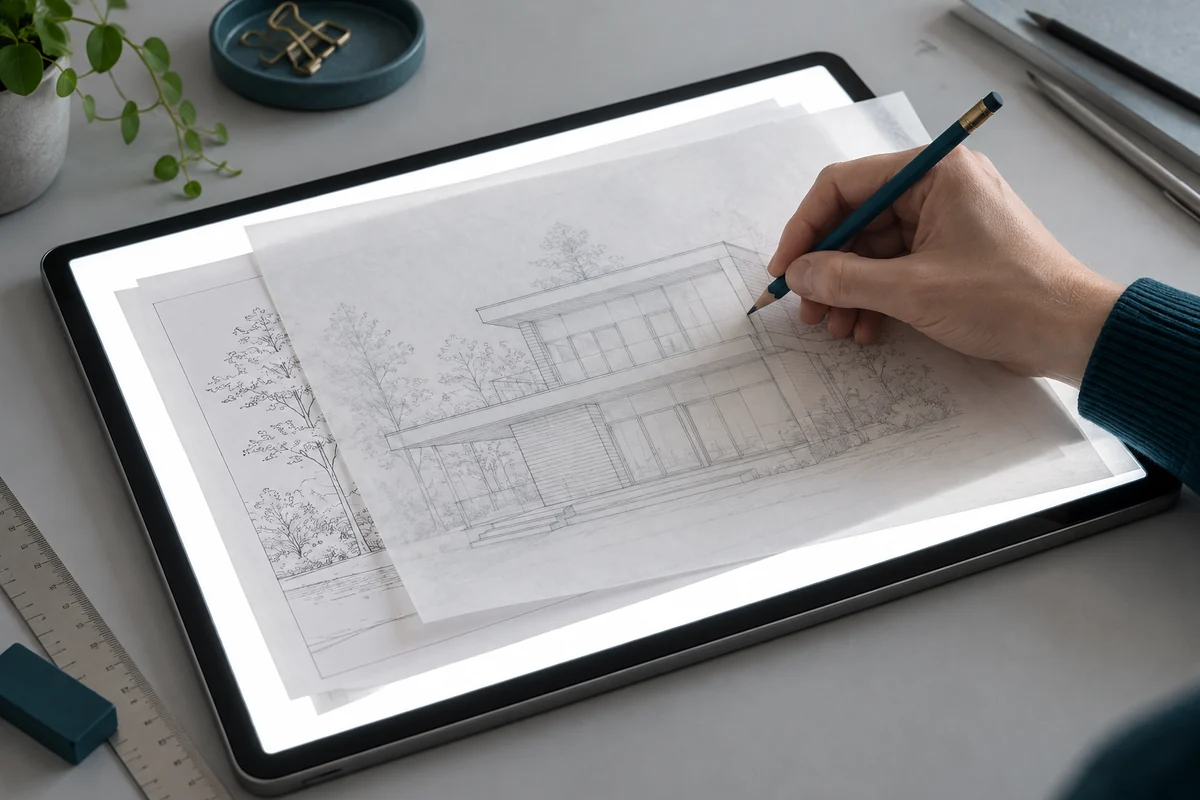
A printed reference
The white light surface illuminates a printed reference and the sheet placed over it.
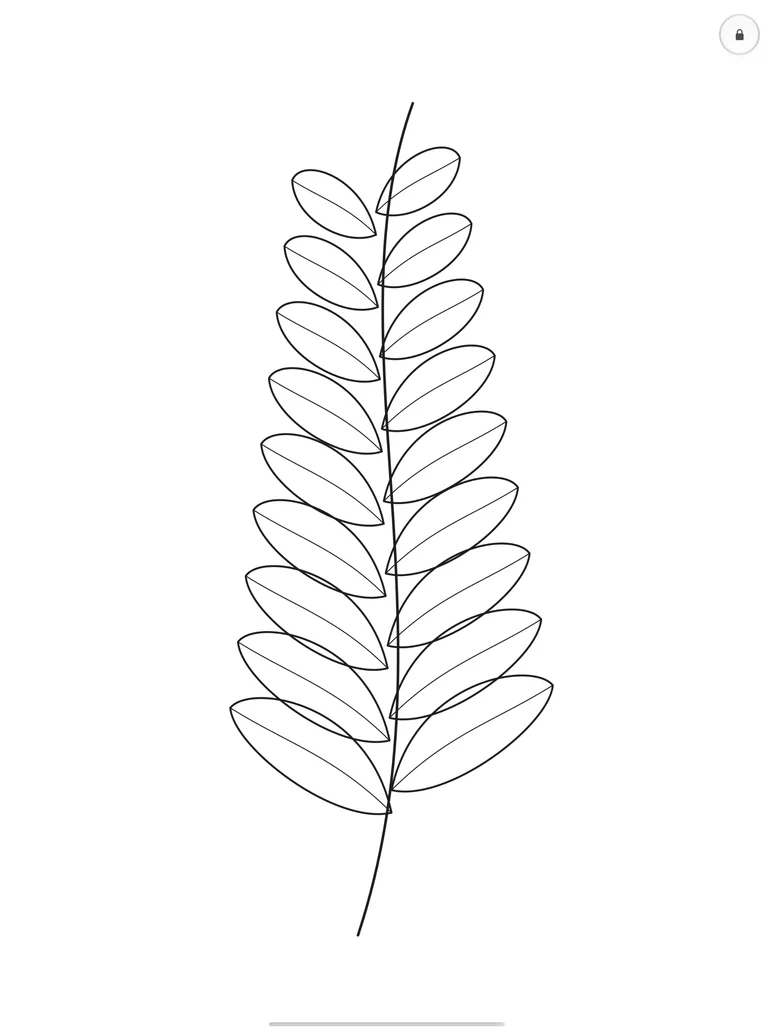
A light table, even without a photo.
For a printed reference, switch to an evenly white surface. Adjust screen brightness directly in LightBoxx; the iPad stays awake while you work. Your previous brightness is restored when you leave the app.
The app lock protects the workspace. iPadOS system gestures remain available. The in-app help explains Guided Access for additional protection.
Your image stays on your iPad.
LightBoxx processes images locally. There is no account, image upload, or analytics SDK. Your reference is held in memory only for the current session.
Privacy →